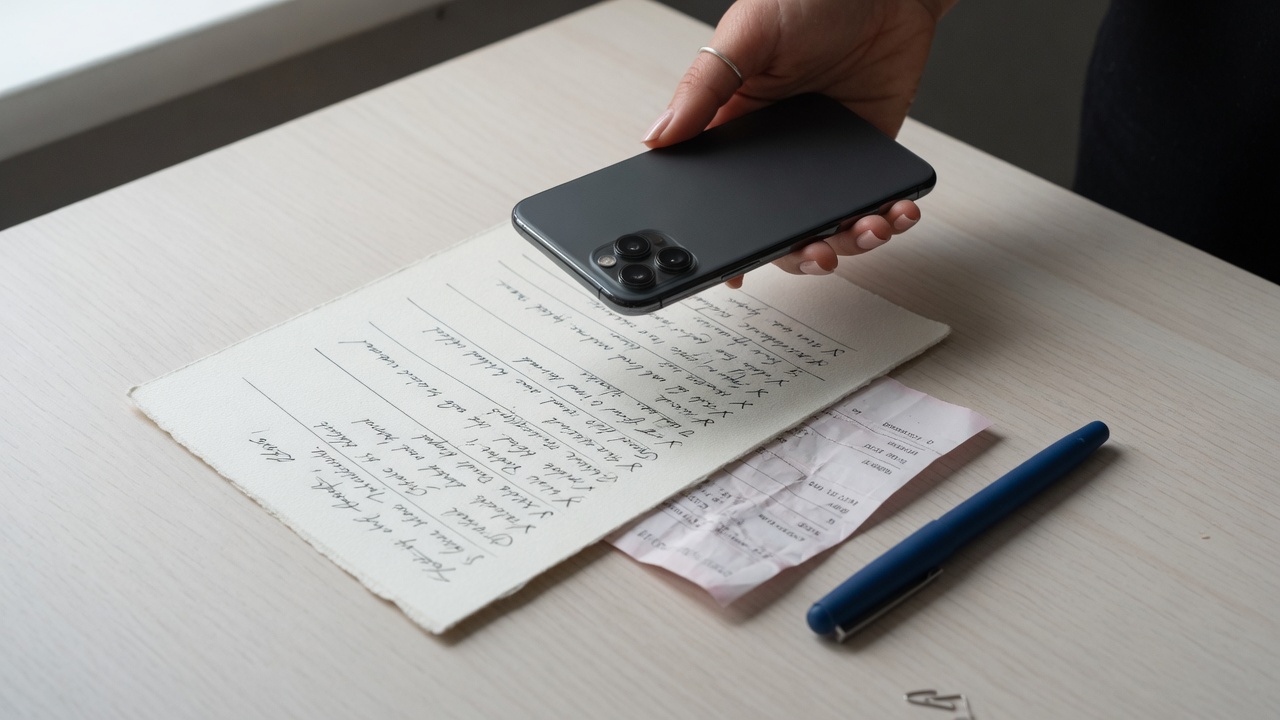
01 · Photograph
Turn paper into something usable.
Capture a receipt, handwritten list, or planner page. Review the extracted text before saving it.
Your notes, organized
ORDIYA turns typed thoughts, photos, receipts, lists, and voice notes into structured entries tied to the right day.
Current web beta available now. No account required.
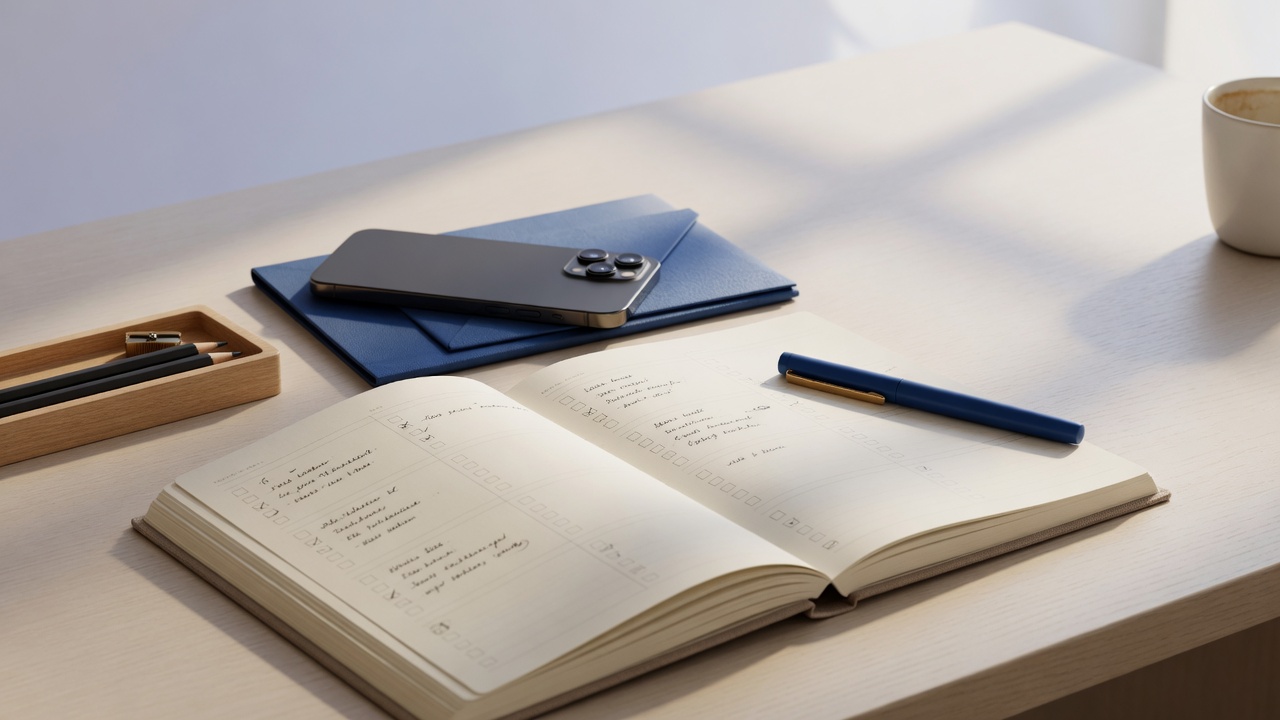
The good stuff rarely begins in a perfect form. It starts on a receipt, in a notebook, or as something you say before you forget. ORDIYA keeps the original context and gives it structure.
No single workflow forced onto every note. ORDIYA treats photos, voice, and typed entries differently so the result stays readable.
Capture a receipt, handwritten list, or planner page. Review the extracted text before saving it.
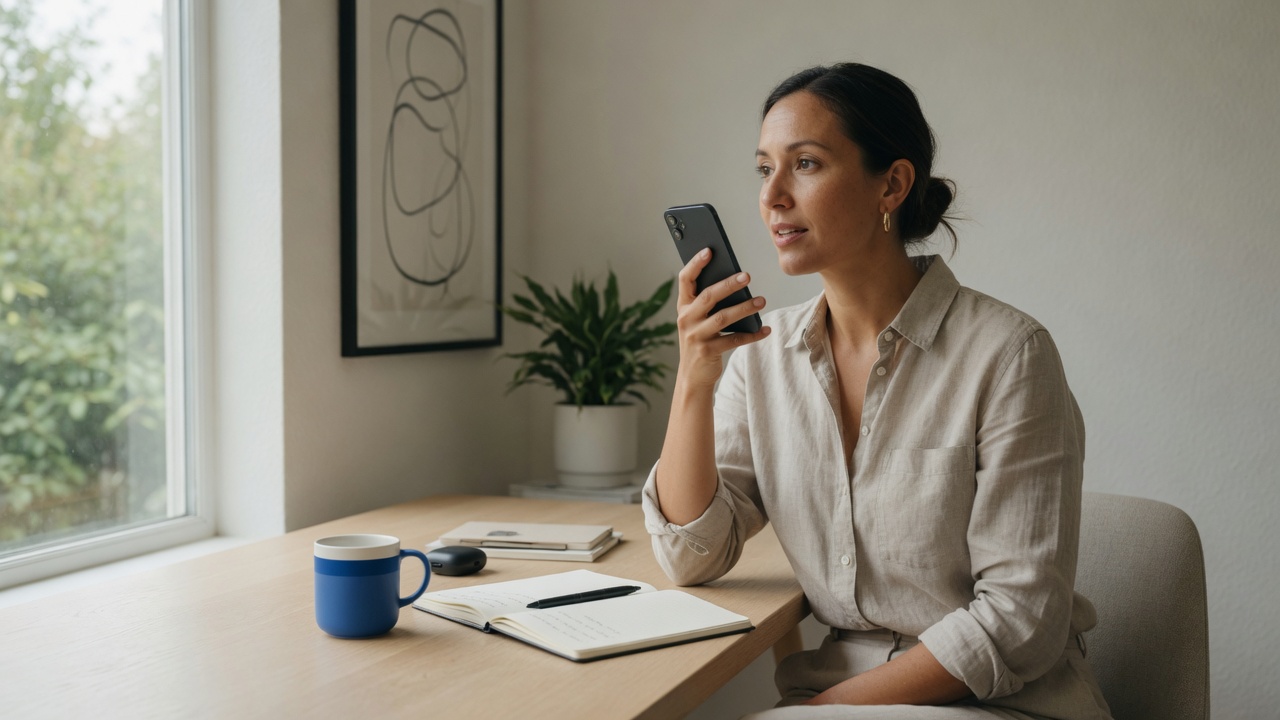
Record a natural voice note, keep the full transcript, and reopen it whenever you need the complete thought.
Choose a date first, then type, photograph, or record. The finished entry remains connected to that day instead of getting lost in a generic inbox.
Raw OCR and long transcripts belong in the details—not in giant calendar titles. ORDIYA presents each capture according to what it is.
Merchant, date, location, and total are separated from the original captured text.
Short photographed lists become readable rows instead of one merged block of OCR.
See a readable preview on the calendar and the complete transcript when you reopen the note.
Start from the date where the note should live.
Type it, photograph it, or say it out loud.
Confirm the extracted or transcribed content before saving.
Open the date later and see the structured note, original photo, or complete transcript.
Typed notes, photographs, receipts, handwritten lists, and voice notes. ORDIYA keeps the original context while presenting a cleaner summary.
The current web beta stores entries locally in your browser. There is no cross-device account sync yet, so clearing browser data can remove locally saved entries.
No. The web app is useful for reviewing the interface and core note workflow, but camera, OCR, microphone, and local-storage behavior can differ by browser. Native Android testing is active; iPhone TestFlight preparation is the next distribution step.
Yes. The current web beta does not require an account or payment.
Use the Open app buttons on this page or go directly to ordiya.com/app/.
Open the current ORDIYA web beta and try the capture-to-calendar flow on your computer or phone.
Open ORDIYA